Troubleshooting
Completed Sale Not Showing in Sales History
Check why a transaction is not immediately visible in AiWeapX POS Sales History.
On this page1. Confirm the sale completed2. Open Sales History3. Clear restrictive filters4. Check connectivity if syncing
1. Confirm the sale completed
Make sure checkout reached the completed state rather than remaining pending.
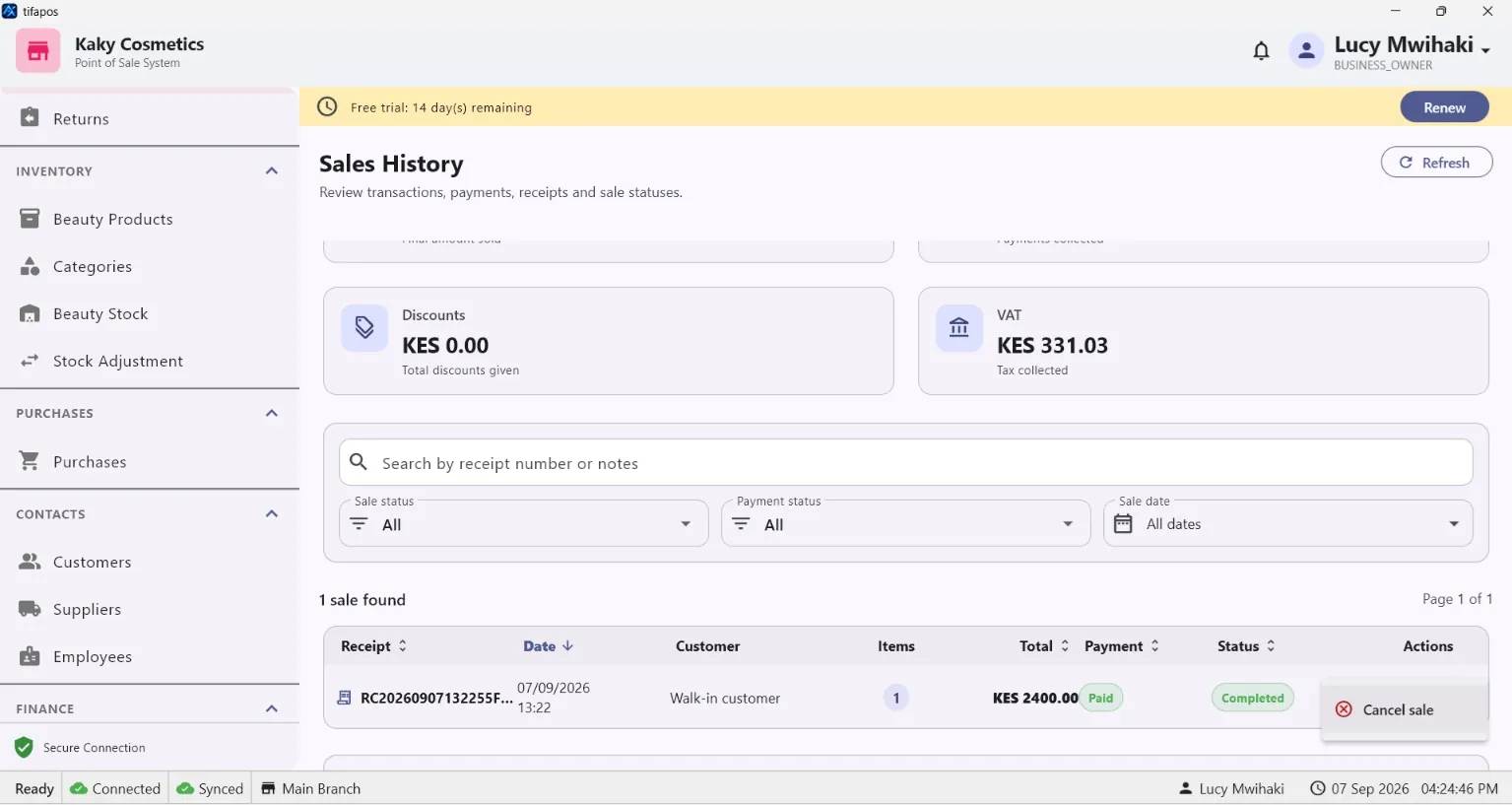
2. Open Sales History
Refresh or reopen Sales History.
3. Clear restrictive filters
Remove date, user or search filters that may hide the transaction.
4. Check connectivity if syncing
If the installation is syncing data, confirm connectivity and allow pending operations to complete before checking again.
Need more help? Use the Help search above or contact AiWeapX support. Avoid repeating payments or transactions until you have confirmed the previous attempt did not complete.