Troubleshooting
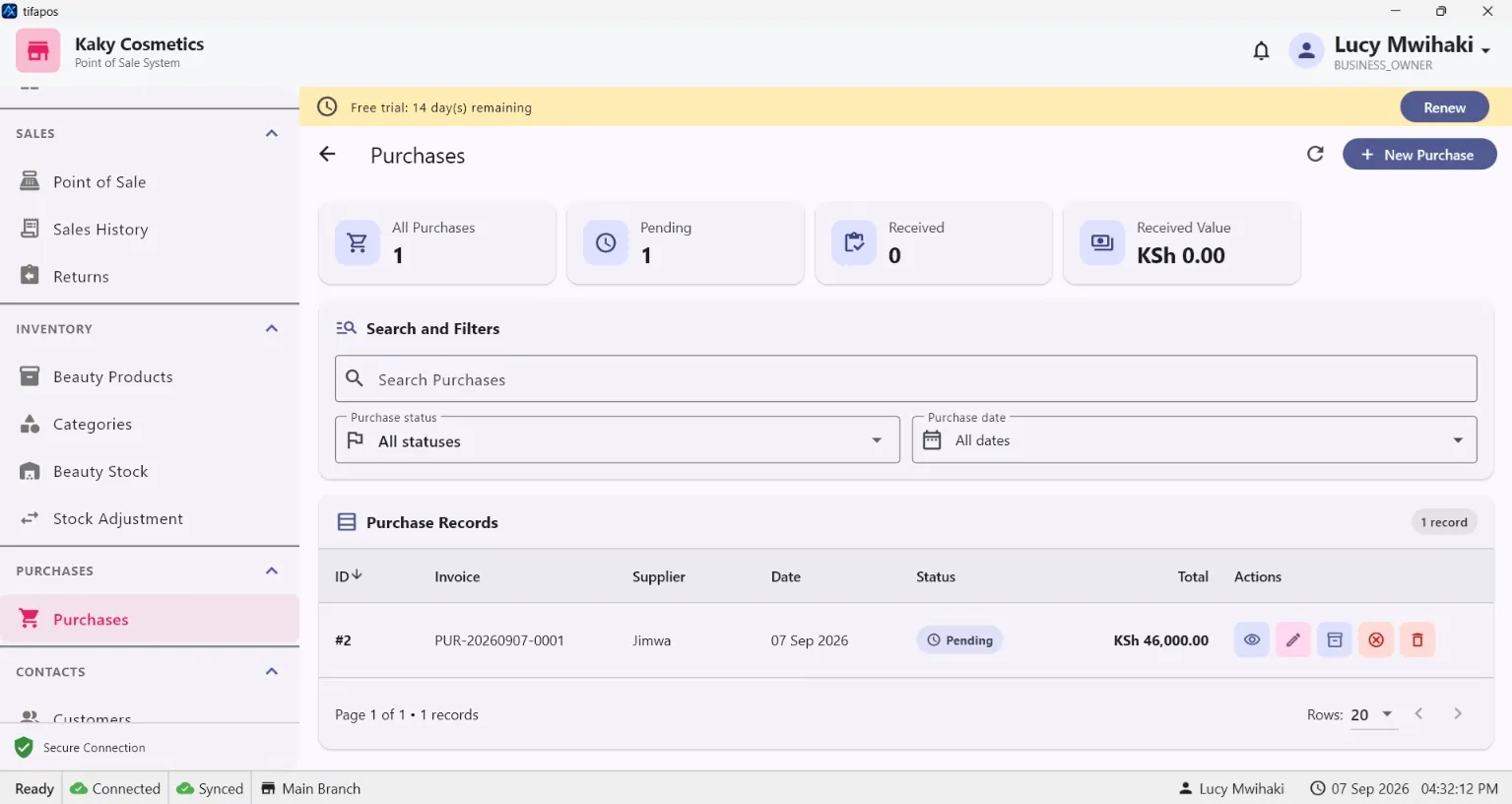
Purchase Not Increasing Stock
Check a purchase when the expected stock quantity has not changed in AiWeapX POS.
On this page1. Open the purchase2. Check purchase items3. Confirm the purchase was saved/completed4. Recheck Products
1. Open the purchase
Go to Purchases and review the saved purchase.
2. Check purchase items
Confirm the correct products and quantities were added.
3. Confirm the purchase was saved/completed
Make sure the purchase was not left incomplete.
4. Recheck Products
Open Products and compare the current stock with the purchase quantity. Use Stock Adjustment only when a genuine correction is required.
Need more help? Use the Help search above or contact AiWeapX support. Avoid repeating payments or transactions until you have confirmed the previous attempt did not complete.