Troubleshooting
Product Not Found at Checkout
Fix a product that exists in stock but cannot be found on the AiWeapX Point of Sale screen.
On this page1. Search by product name2. Check the product record3. Check barcode or category4. Return to POS
1. Search by product name
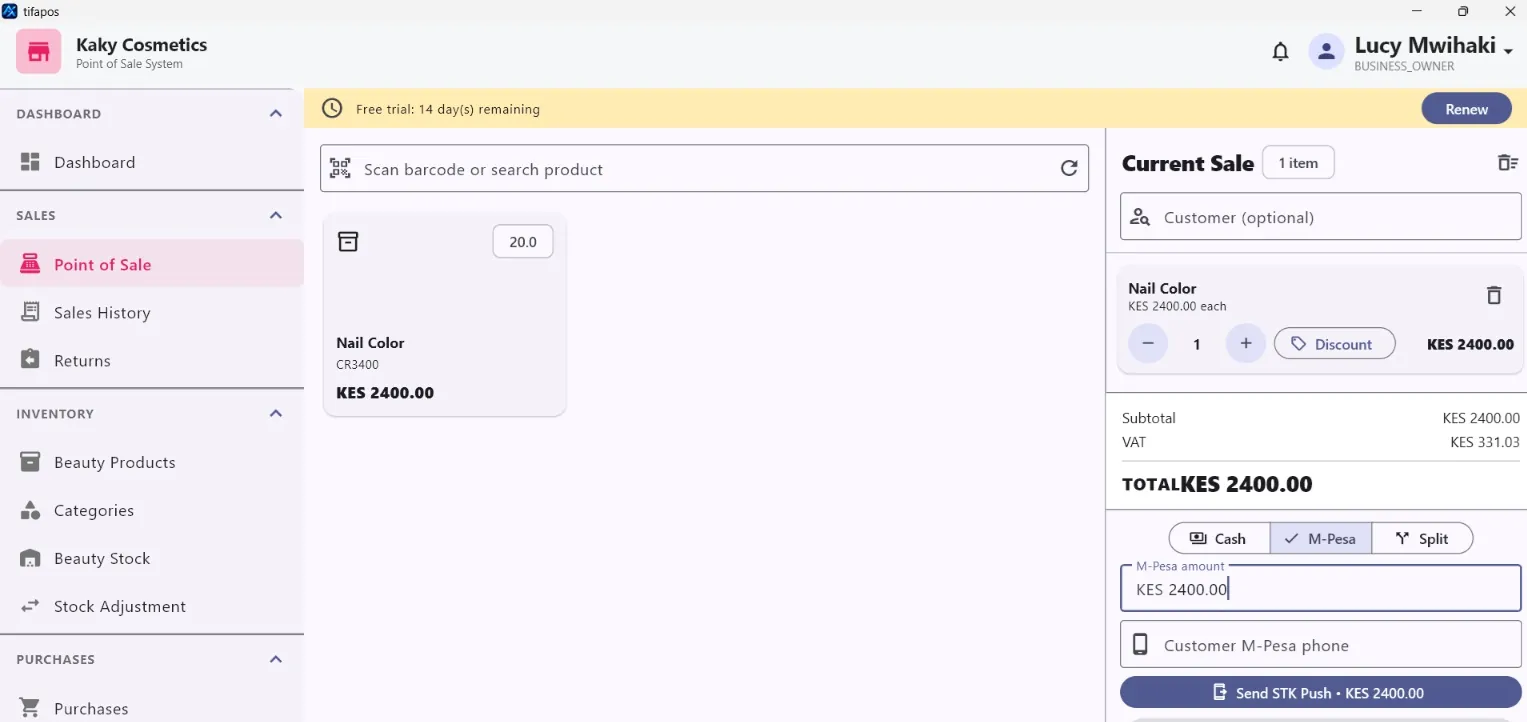
Use the POS search to look for the exact product name.
2. Check the product record
Open Products and confirm the item exists, is active and has the expected identifying details.
3. Check barcode or category
Correct the barcode or category if the saved information is wrong.
4. Return to POS
Reopen Point of Sale and search or scan the product again.
Need more help? Use the Help search above or contact AiWeapX support. Avoid repeating payments or transactions until you have confirmed the previous attempt did not complete.