Troubleshooting
M-Pesa Payment Not Confirmed
What to do when a customer says they paid by M-Pesa but AiWeapX POS has not confirmed the payment.
On this page1. Do not create a duplicate payment immediately2. Confirm the customer details3. Check connectivity and payment status4. Retry only when appropriate
1. Do not create a duplicate payment immediately
Keep the sale pending while you check the payment status.
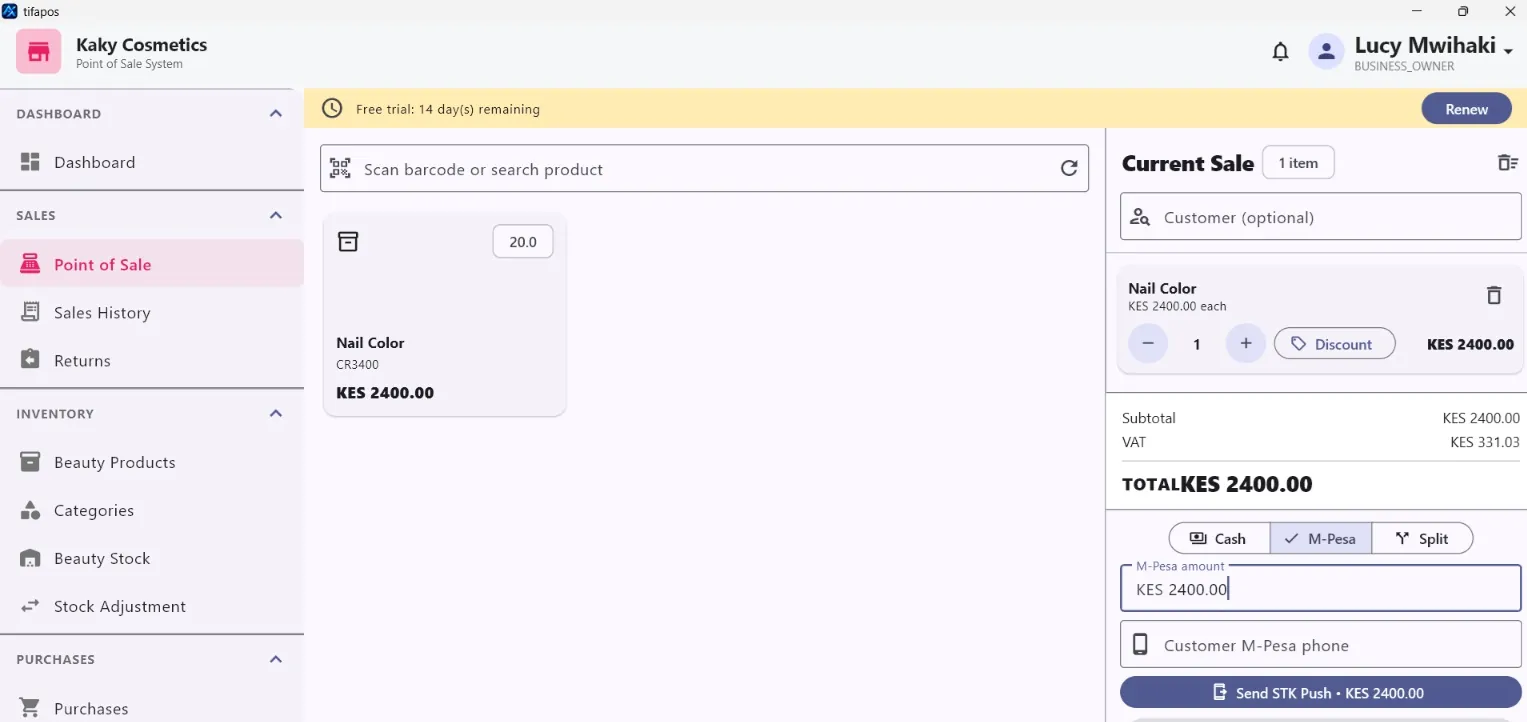
2. Confirm the customer details
Check the phone number, amount and the transaction being paid.
3. Check connectivity and payment status
Confirm the POS has internet access and review the available payment or transaction status.
4. Retry only when appropriate
If the first request clearly failed, start a new M-Pesa request. Avoid charging the customer twice.
Need more help? Use the Help search above or contact AiWeapX support. Avoid repeating payments or transactions until you have confirmed the previous attempt did not complete.