How-to guide
How to Add a Supplier
Create a supplier in AiWeapX POS before recording purchases from that supplier.
1. Open Suppliers
Open Suppliers.
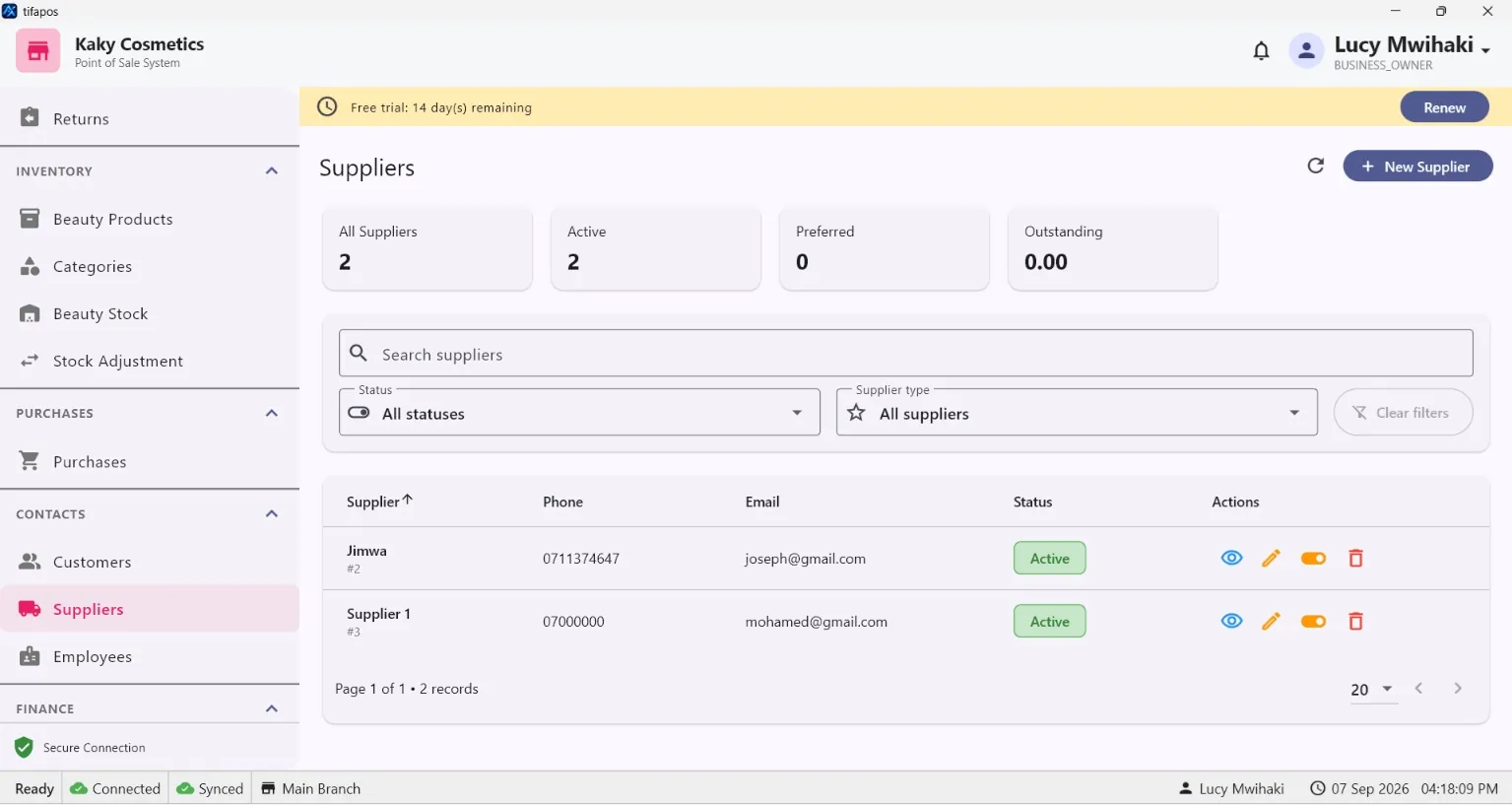
2. Choose Add Supplier
Click the add supplier button.
3. Enter contact details
Enter the supplier name and relevant contact details.
4. Save
Save the supplier and use it when creating purchases.
Need more help? Use the Help search above or contact AiWeapX support. Avoid repeating payments or transactions until you have confirmed the previous attempt did not complete.