Step-by-step guide
How to Record Expenses in AiWeapX POS
Enter expenses as they occur to keep your business reports accurate.
On this page1. View expenses2. Create an expense
1. View expenses
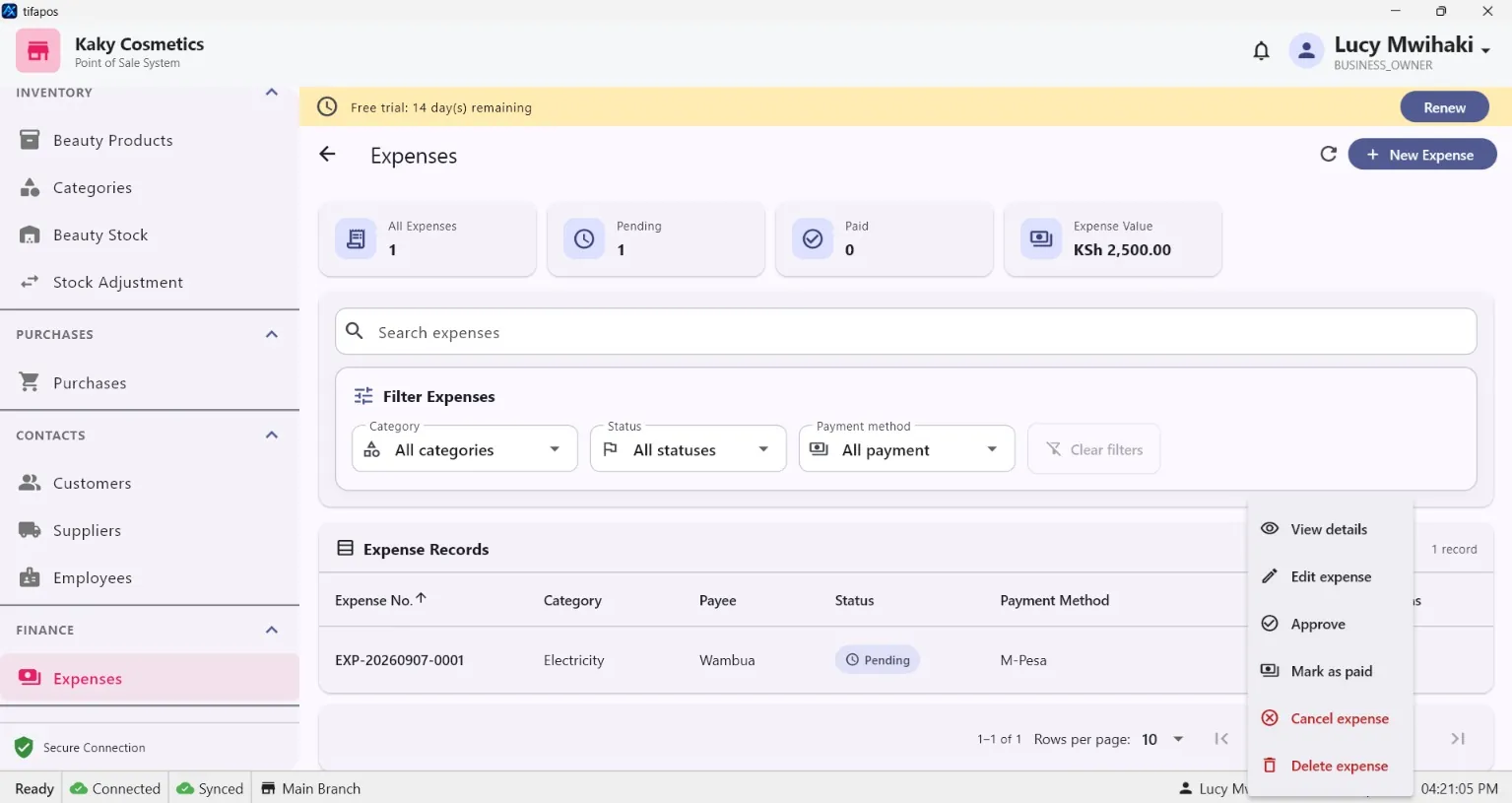
Open Expenses.
2. Create an expense
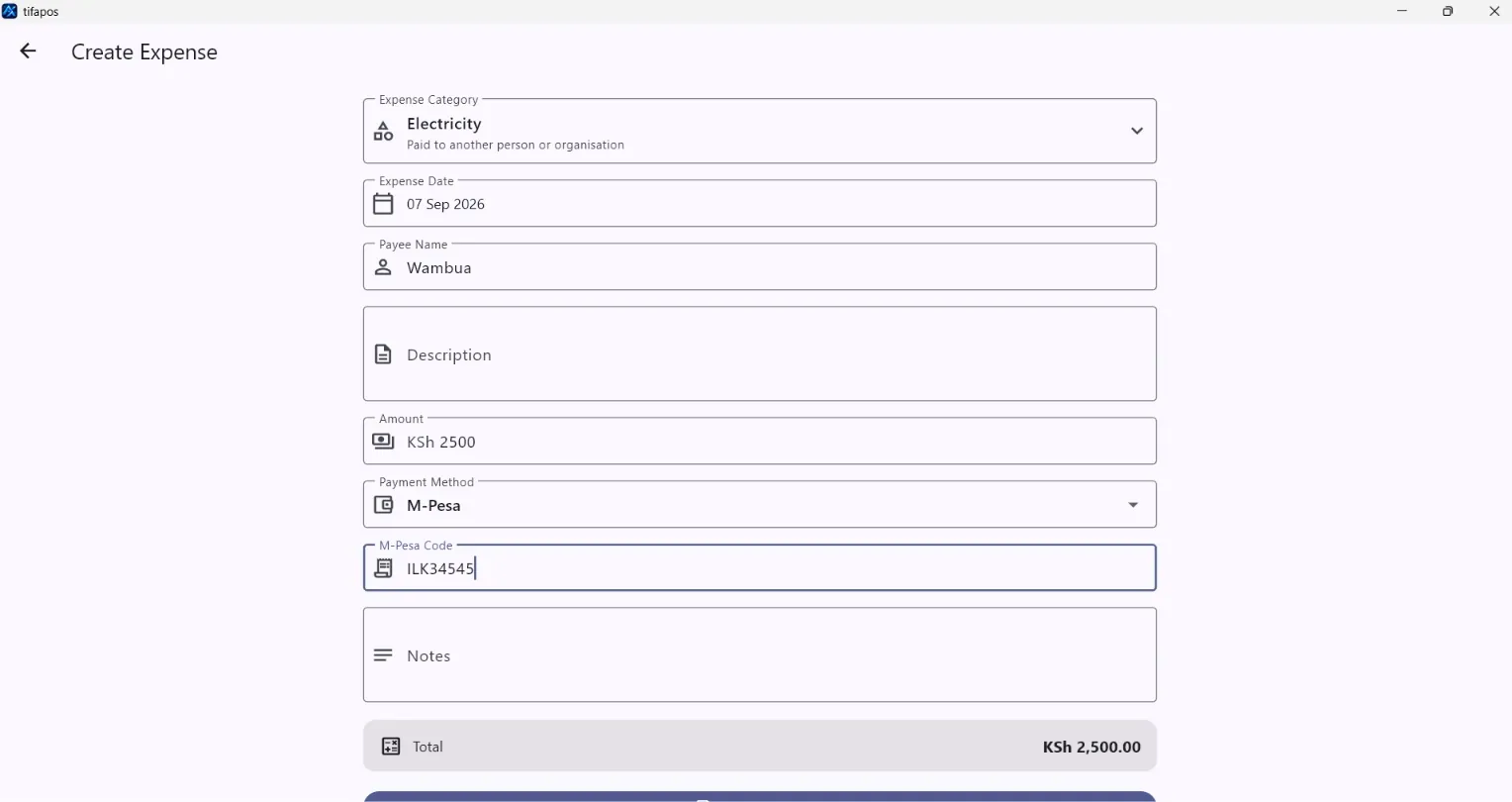
Click Add Expense, choose the expense category, enter the amount and details, then save. Add Expense.